
New CAD Import Controls and 3D Workflow Improvements
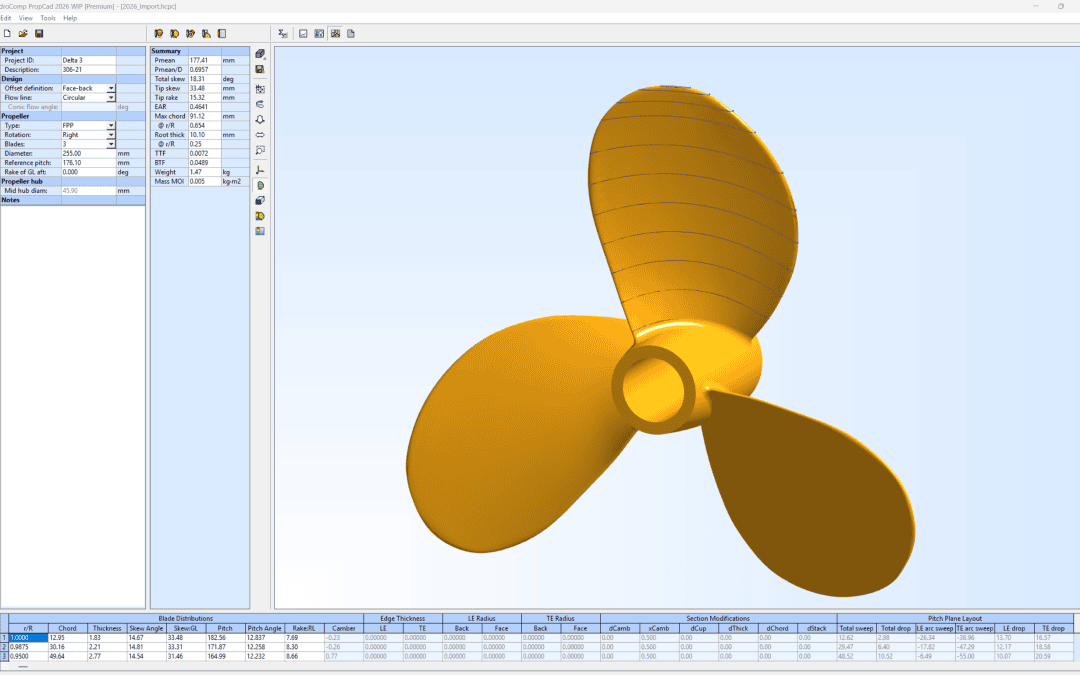
HydroComp PropCad 2026 continues to improve the daily tools used by propeller designers, manufacturers, and researchers to develop, inspect, and document marine propeller geometry. This year’s release focuses on a smoother CAD Import workflow, more direct 3D model interaction, and continued modernization of the data-entry tables used throughout PropCad.
Interactive Pitch-Plane Control for CAD Import Tools
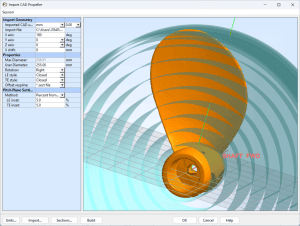
One of PropCad’s most important workflows is turning existing 3D propeller geometry into usable design data. PropCad 2026 adds interactive pitch-plane controls to the Propeller CAD Import utility, including visible nose and tail handles and a draggable chordwise pitch-plane line. Designers can adjust the pitch plane directly in the graphics window and immediately see the affected CAD Import parameters update in the settings table.
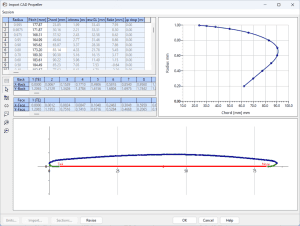
During pitch-plane adjustment, PropCad temporarily highlights the active parameter row, helping users connect the visual edit with the numerical setting being changed. This gives users clearer feedback while tuning pitch extraction from legacy or imported CAD models.
Save and Restore CAD Import Sessions
The CAD Import utility now includes Save Session and Load Session commands. Users can preserve their import setup, return to an extraction workflow later, or compare different approaches without rebuilding the same settings from scratch. This is especially useful when working through complex CAD geometry, multiple surface patches, or custom chordwise distribution files.
Improved 3D Interaction and Viewer Behavior
PropCad 2026 adds double-click centering in the main 3D viewer, making it easier to quickly refocus the model while reviewing blade geometry. The release also improves 3D viewer alignment within its display frame and adds better handling of form loading with delayed 3D refreshes, improving the reliability of the graphics environment during startup and dialog transitions.
Modernized Parameter Entry and Compatibility Updates
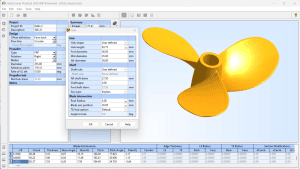
HydroComp has continued migrating key PropCad forms to the newer data table control, including the Hub dialog and CAD Import utility. These updates improve editing consistency and establish a stronger foundation for future interface development. PropCad 2026 also includes improved dialog placement, better startup behavior for non-virtualized 32-bit environments, and corrections to default-versus-session chordwise point distribution handling for custom files.
A Practical Update for PropCad Users…
Together, these updates make PropCad 2026 a practical release for users who rely on imported CAD geometry, iterative design review, and efficient production of propeller design documents. The release continues HydroComp’s focus on fast, dependable geometric modeling tools for marine propeller design and manufacture.
About HydroComp PropCad
For additional information, click to: www.hydrocompinc.com/solutions/propcad
Watch the Intro to PropCad video: https://youtu.be/HhlIfMsF6oI
For more information, contact: Adam Kaplan, Program Manager of Propeller Tools. +1 603-868-3344. adam.kaplan@hydrocompinc.com
Download the full press release here.
 Copyright © , HydroComp Inc. | All Rights Reserved